

Introduction
UX analysis is often misunderstood or undervalued, leading to poorly designed products that fail to meet user needs. For SaaS teams, mastering UX analysis is crucial for creating intuitive, efficient applications that foster user satisfaction and retention. In this post, we delve into the nuances of UX analysis and explore why many teams struggle to get it right.
Understanding the intricacies of UX analysis is not just about applying principles but about deeply integrating user-centered thinking into every design decision. This article will highlight the importance of accurate UX analysis and provide insights into avoiding common pitfalls.
Core UX/UI Principles Behind Effective Analysis
Effective UX analysis hinges on understanding key principles such as usability heuristics, cognitive load, and user flow. These concepts are not just theoretical but directly impact how users interact with digital interfaces.
For instance, Jakob Nielsen's usability heuristics serve as a foundational guide. Consider the principle of 'visibility of system status'; when users interact with a SaaS dashboard, they need constant feedback about their actions, such as loading indicators or confirmation messages. Without these, users may become confused or frustrated, leading to higher abandonment rates.
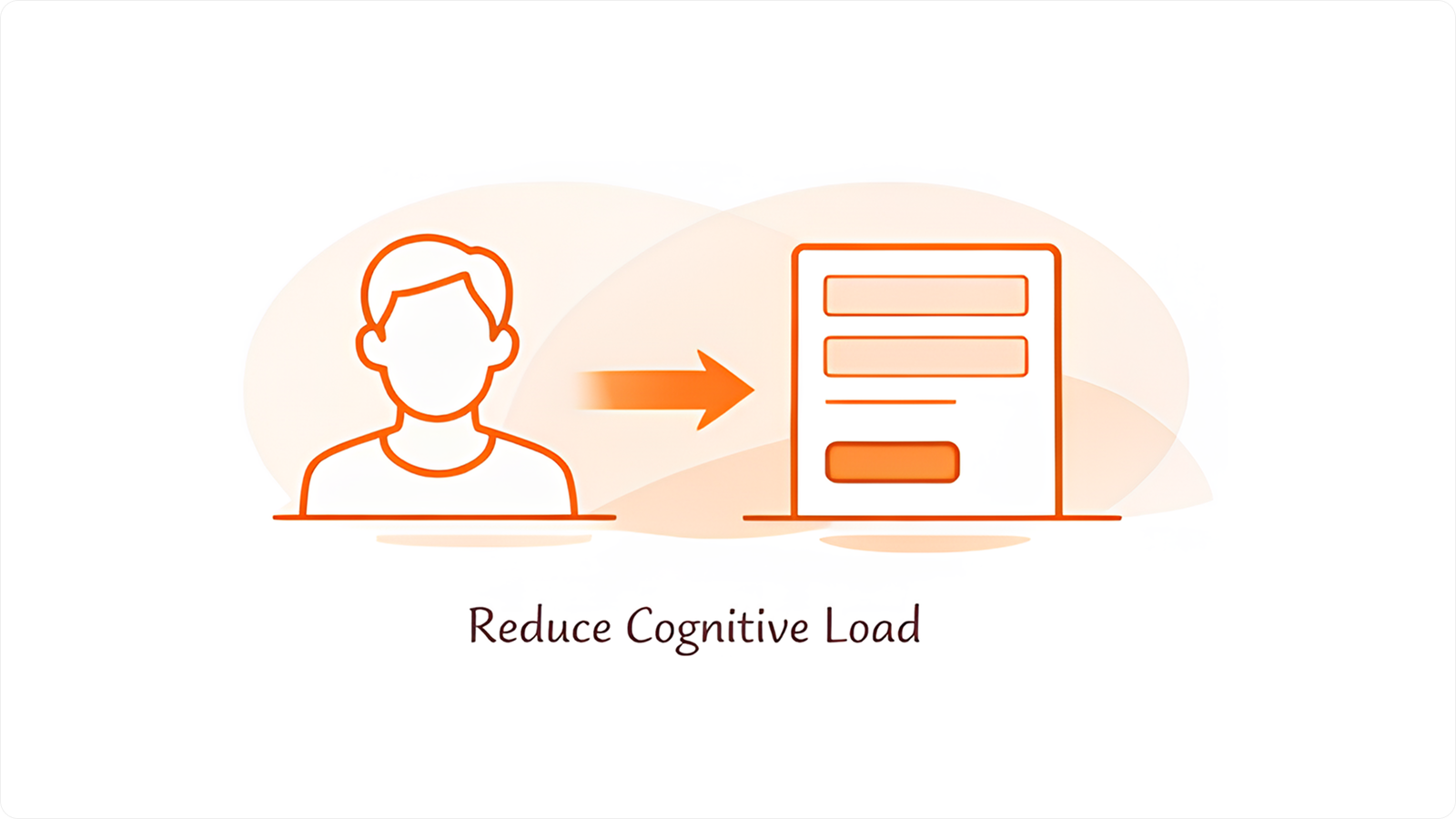
Another principle is reducing cognitive load. Complex forms with too many fields can overwhelm users. Instead, progressive disclosure—revealing information as needed—can enhance user experience by making interfaces more digestible.

Common UX/UI Mistakes
One frequent mistake is neglecting user context. Designers often assume a one-size-fits-all approach, which ignores diverse user needs and environments. This can manifest in navigation menus that aren’t intuitive for all users, leading to confusion and drop-offs.
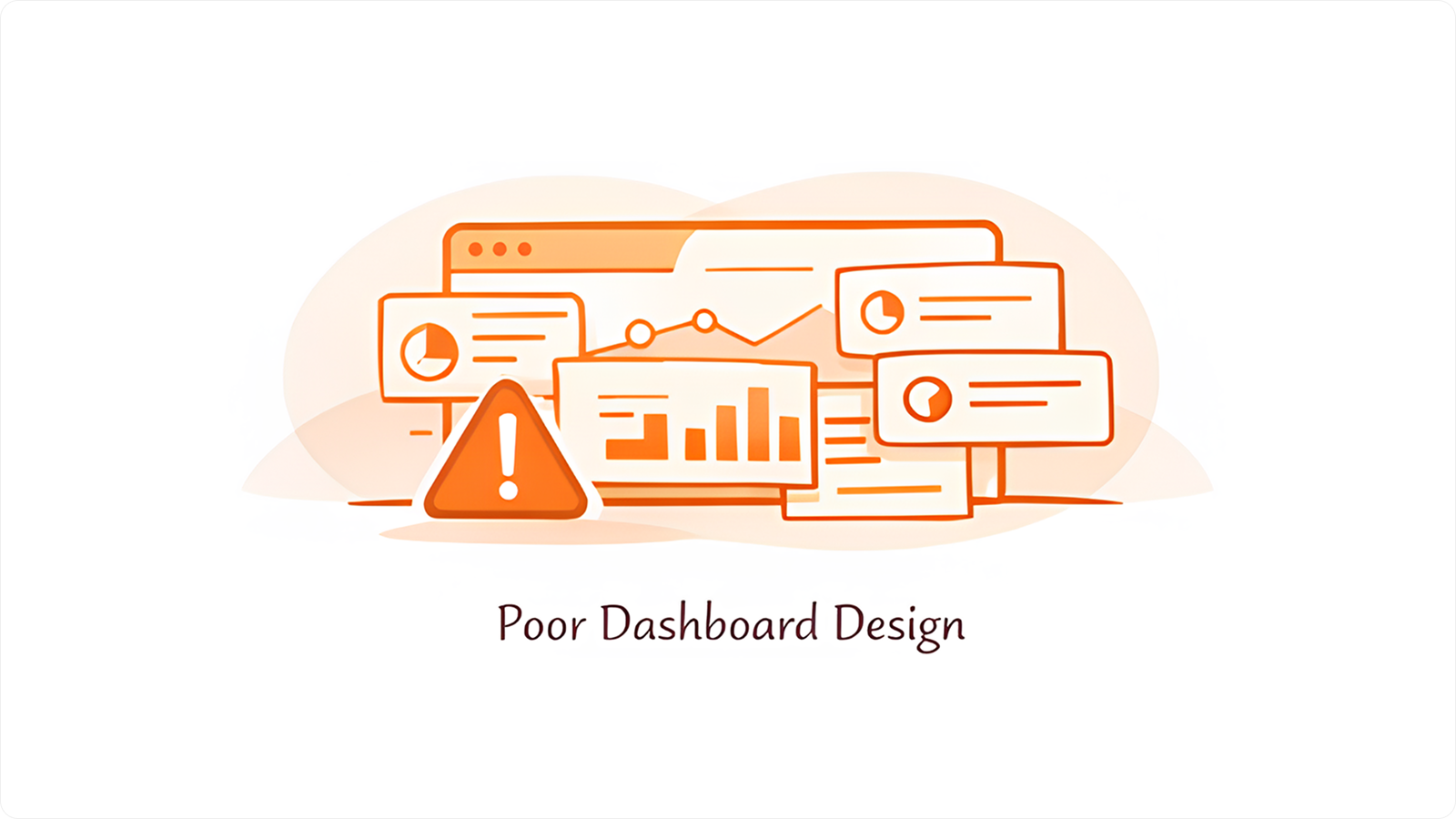
Another common error is the misuse of visual hierarchy. Without clear emphasis on primary actions or information, users can struggle to find what they need. This often happens in SaaS products where dashboards are cluttered with data, lacking clear prioritization.
Finally, assuming that aesthetic design equals usability is a critical mistake. An interface may look appealing but still be difficult to navigate, leading to a poor user experience.
Practical Examples & Mini Case Studies
Consider a SaaS onboarding flow where users are bombarded with features without clear guidance. A successful example is Slack’s onboarding, which introduces features gradually, allowing users to explore at their own pace. This reduces cognitive load and enhances user retention.
In contrast, a poorly designed landing page might include multiple competing calls-to-action (CTAs), confusing users about the primary goal. An improved design would employ a single, prominent CTA, directing user focus and improving conversion rates.
Analyzing these scenarios reveals that successful UX design requires a balance of clarity, guidance, and focus, tailoring experiences to user needs.

Actionable UX/UI Best Practices
Prioritize Clarity: Use clear labels and instructions, especially in forms and interactive elements.
Consistent Feedback: Ensure actions trigger immediate responses or confirmations to guide users effectively.
Limit Cognitive Load: Simplify choices and break down complex tasks into manageable steps.
Responsive Design: Adapt layouts to fit different devices, maintaining usability across platforms.
Test & Iterate: Continuously test designs with real users to uncover and address usability issues.
How Teams Can Detect These Issues
Teams can identify UX issues through various methods. Conducting heuristic evaluations allows designers to assess interfaces against established usability principles. Regularly engaging in user testing provides direct feedback on real-world usage, highlighting areas of friction or confusion.
Additionally, leveraging analytics can reveal quantitative data on user behavior, such as drop-off points or frequent navigation paths. Tools like heatmaps or session recordings offer visual insights into user interactions, pinpointing areas needing improvement.
Conclusion
Mastering UX analysis involves a deep understanding of user behavior and a commitment to continuous improvement. By avoiding common pitfalls and focusing on actionable insights, teams can enhance their product's usability, leading to higher user satisfaction and better business outcomes.
While traditional analysis methods are valuable, incorporating AI-powered tools can further refine the process, offering advanced insights and predictive analysis that can elevate UX strategy.
Was this article helpful?